Templates for the systemic board
Many constellations begin with the same basic arrangement: the parents and the child, two paths and a person facing them, a team with its mission. The templates of the Parafeld™ System Board place this basic arrangement with one click. After that, every figure can be moved, renamed or removed, and more can be added as needed.
What templates are for
A template does not anticipate any of the work. It only saves the steps that keep repeating with familiar constellation formats. This applies to well-known methods on the systemic board, such as the tetralemma or the inner team, just as much as to simple starting pictures in coaching and counselling. Where a figure ends up is decided by the person setting up the constellation. The places in the template are a beginning, not a result.
Each page below describes exactly what is on the board, which questions the template suits and how to proceed step by step. Several templates work with areas as floor anchors; questions for each template complement the board’s 24 prompting questions.
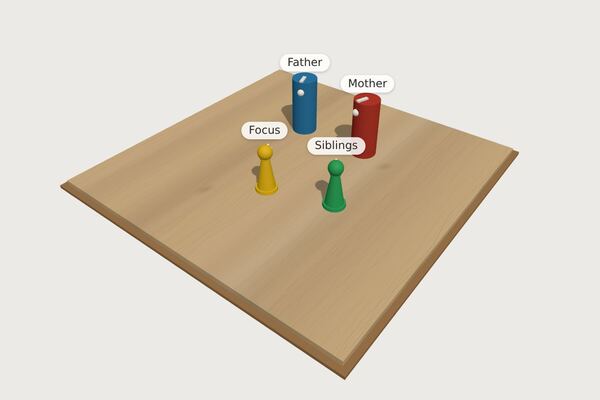 Family of originFather, mother, focus and siblings as the starting picture of a family constellation on the board.Read more →
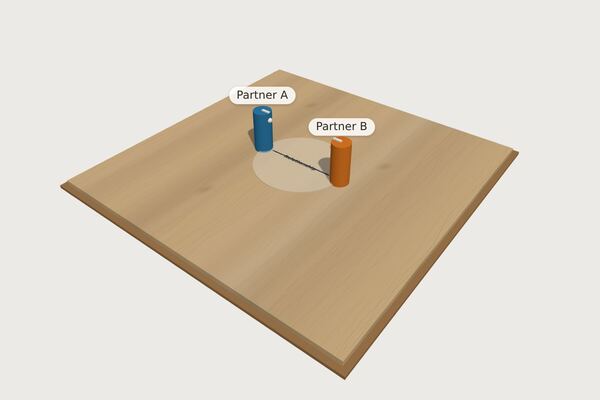 CoupleTwo partners, the relationship as a shared area – for working with couples and on your own relationship.Read more →
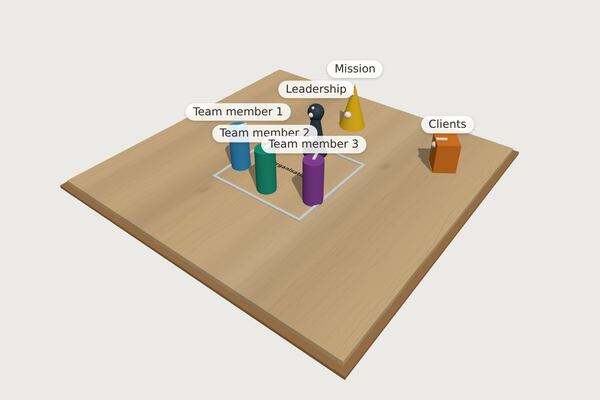 Team / organisationLeadership, team members, mission and clients within the organisation – for team and organisational questions.Read more →
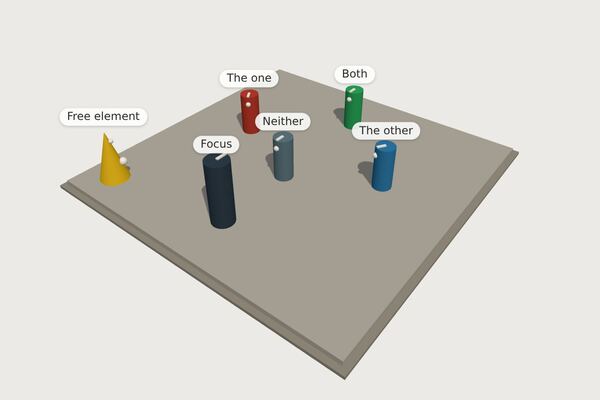 TetralemmaWhen a decision between two options is stuck: five positions instead of two.Read more →
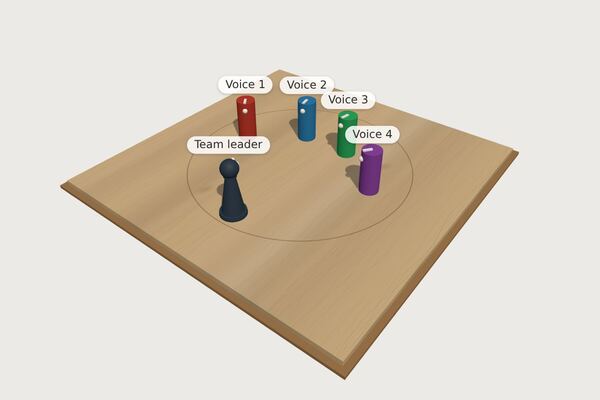 Inner teamAfter Schulz von Thun: the team leader and the inner voices that speak up about a concern.Read more →
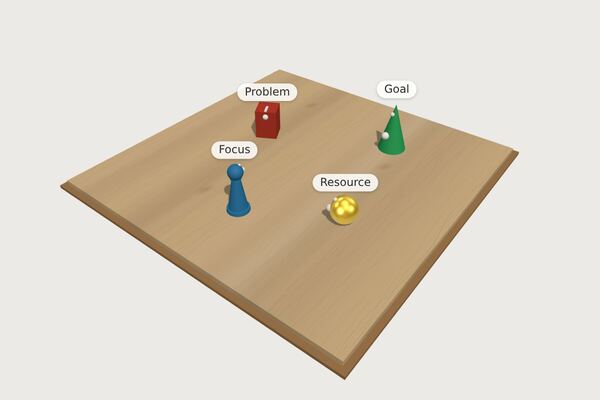 Problem – goal – resourceFocus, problem, goal and a resource: a lean basic structure for coaching and counselling.Read more →
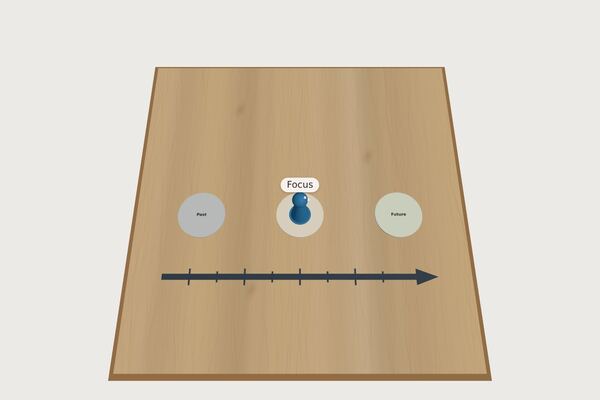 TimelinePast, present and future on one line – the focus person stands in the present.Read more →
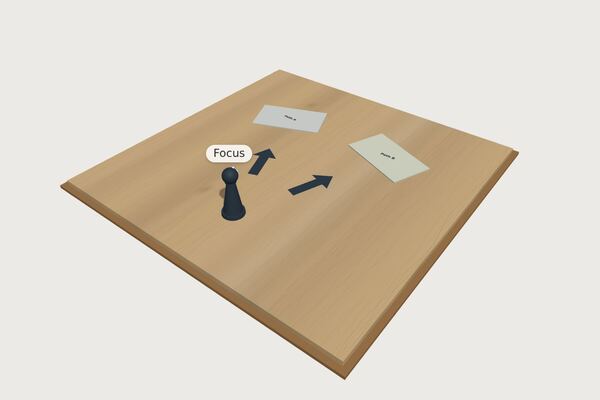 Decision between two pathsThe focus person facing two possible paths, each as an area of its own – to step onto and compare.Read more →
 PolaritiesA board with four labelled sides – shown with the Riemann-Thomann cross, freely changeable for scales and four-field grids.Read more →
How to load a template
- From these pages Below each example picture there is the link “Open the template in the board”. It opens the board with exactly this constellation.
- In the board In the “Place” widget, “Templates and quick setup …” leads to the list of templates; the 5 key opens it as well. A click on “Load” brings the template onto the board.
Loading replaces the current picture. The step can be undone; title, concern and notes are kept. Getting started shows how the rest of the board is operated.
Quick setup from a list of names
Not every constellation fits a format. That is why the same dialog contains the quick setup: type in names, separated by commas or one per line, for example “mother, father, me, sister”. The figures then stand in a circle, face the centre and carry their names. You set up the constellation from there.
Templates of your own
If you often need a particular starting picture, save it under a name of your own with “Save board as template”. Your own templates are stored only in the browser of the device on which they were saved – without concern, notes and snapshots. What else stays in the browser and what does not is described under Security and privacy.